How to Improve the Quality of Old Travel Videos
The view is the one you remember. Then your partner turns towards the camera, laughing, and you realize how young you both looked. You'd love to see that face a little more clearly.
An old travel video can take you back more quickly than a whole album of photographs. It can also leave you wishing the picture were less soft, especially when the person you want to see is standing in front of the scenery.
If you want to enhance old travel videos, restoration and upscaling are options for improving the picture in a recording you can already play. The next step is choosing how you'd like to try it: online for a few clips, or with software you work through yourself.
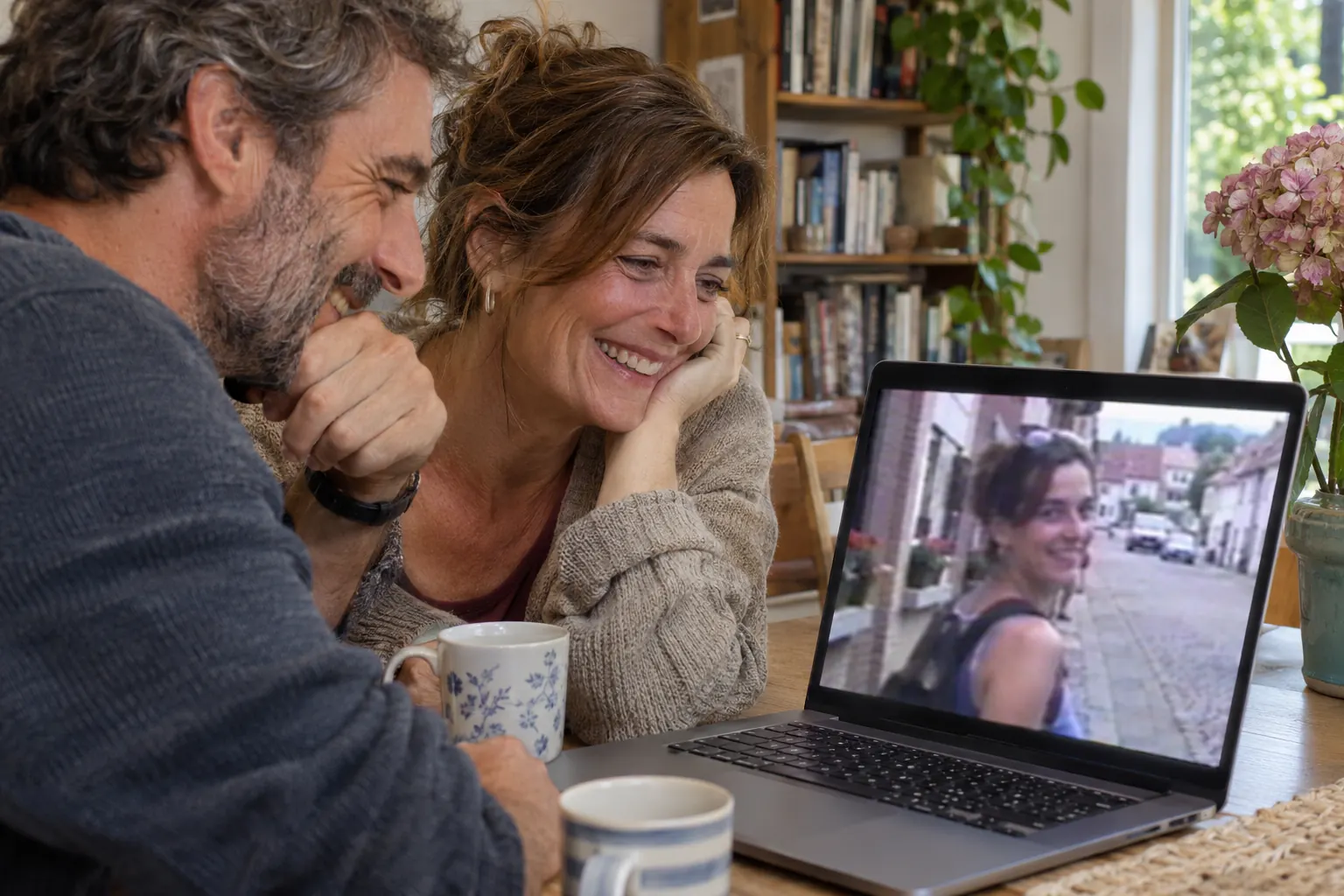
Illustrative image.
What can actually look better?
If you can make out your partner and the street around them, but everything looks a little soft, it's reasonable to try picture restoration. Look for a result that makes the person easier to follow and the surroundings easier to see: clothing, a doorway, or the buildings along the square. A larger output alone won't tell you whether any of that has improved.
If a face is tiny in the distance, or the camera moved so much that the scene is badly blurred, don't count on a clear reconstruction. AI can also change expressions and small details while making a picture sharper. Keep the original and compare the result with the people and places you remember.
Choose a clip you keep wanting to replay. It may not be the landmark; breakfast outside a tiny hotel, or a wrong turn you still laugh about, can be a better place to start than the entire vacation folder.
Online service or desktop software?
For a few existing videos, an online service is a way to try picture improvement without installing an editing program. You upload a file and review the processed result. This suits you if you'd rather spend the evening watching the trip than learning settings.
If you have lots of clips and want to try adjustments yourself, consider desktop software. Check that it runs on your computer and lets you test your own footage before buying. Give yourself time to learn it; having more controls also means making more choices.
Either way, compare a result from your own recording rather than choosing only from somebody else's demonstration. If the picture already looks fine and you simply want less pavement between the good bits, that's an editing job instead.
Give the people as much attention as the view
A travel recording can contain several very different pictures: a bright beach, an evening meal, a close-up of someone laughing. An improvement you like in one scene may be less appealing in another.
When you look at a processed version, let it play normally. Follow the person crossing the square, rather than judging only a paused shot of the buildings. Do they still look natural as they turn? Does the scenery give you more to enjoy, or do stronger textures pull your attention away from the moment?
Trying picture restoration online
VidFixr is an online service that restores and upscales existing video files to improve their picture. Open the video-restoration page, choose the restoration option, and review Restore & upscale on the upload page.
If you'd like a short sample first, select the optional free, watermarked Preview before uploading. Upload your playable recording and review the quote; full processing is paid before it runs. You can then download the processed version. A sample shows only its section, not how every scene from the trip will turn out.
You might choose to improve one clip you love and leave the rest alone. The question can stay simple: is this part of the journey more enjoyable to watch now?
Not every travel video needs to become something you post. Some are just nice to put on with the person who was there—and let them remind you where that wrong turn actually led.
- enhance old travel videos
- improve old travel video quality
- restore old vacation videos