How to Restore Old Family Reunion Videos
Someone is trying to get everybody in the picture. Your uncle is still holding a paper plate, two cousins have wandered out of shot, and somebody behind the camera is laughing too hard to hold it steady. Years later, the bit before everyone was ready might be the best part.
If you want to restore an old family reunion video, start with a moment you’d actually play at the next get-together. See whether a clearer copy helps everyone follow what’s happening before you pay to process the whole recording.
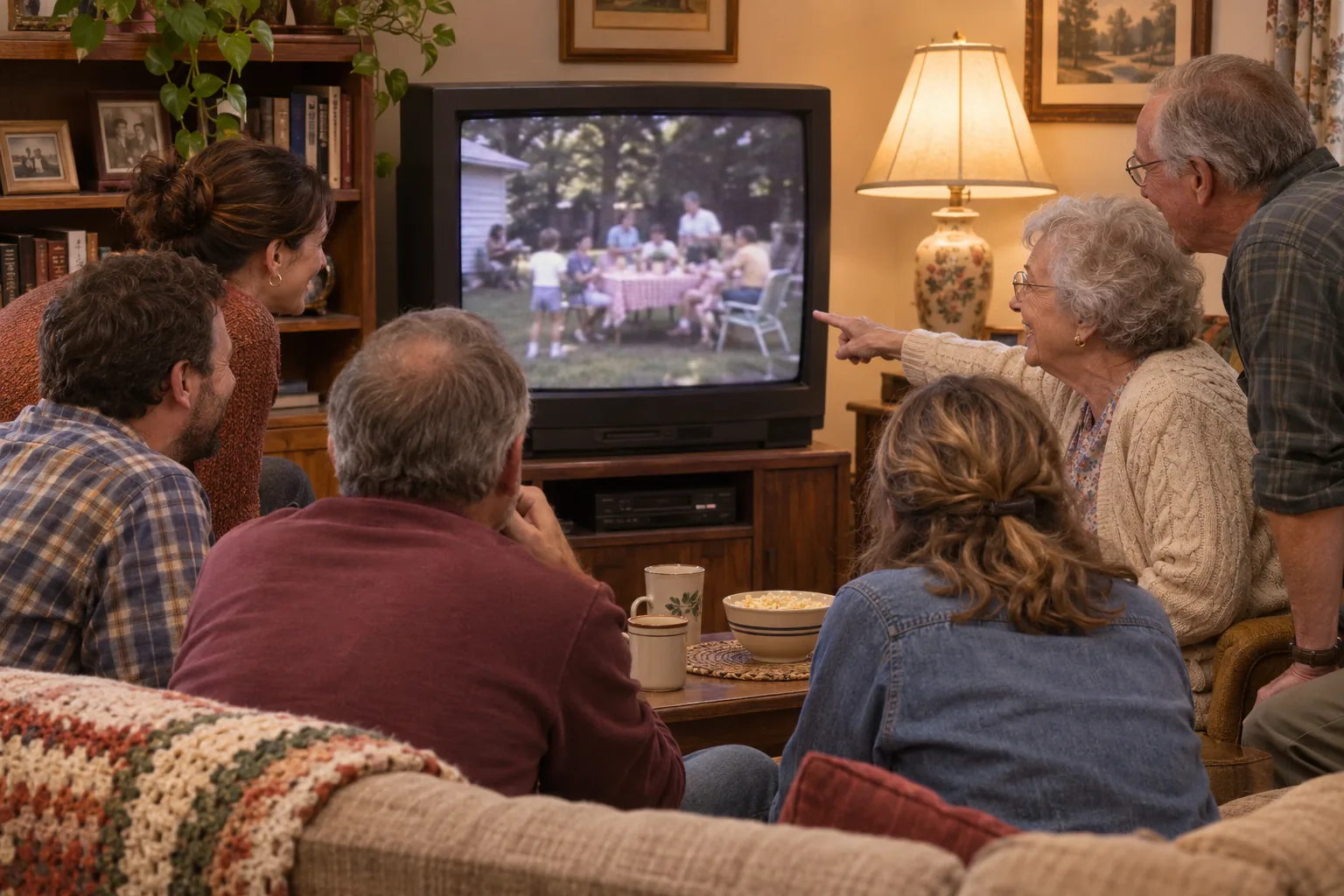
Illustrative image.
Pick the clip people will ask to see again
Think about who’s coming. Maybe it’s the first time all the cousins sat at one table, or the year your aunt swore she wouldn’t dance and ended up going first. Find a scene people can recognize without having to sit through twenty minutes of lawn chairs being set up.
If the video only exists on a tape, you’ll need to get it transferred to a digital file first. If you already have a file that plays, you can try restoring the picture on a copy. Keep the untouched version so you can compare them later.
Watch the people in the background, too
A paused frame can look sharper while the moving picture feels a little off. Play the original and the sample at the same size. Can you tell who’s waving from the back of the group? Do faces still look familiar when people turn or walk past the camera?
That matters more for a reunion than whether one person in the middle looks sharper in a screenshot. Picture enhancement can change small details. If a cousin’s grin looks strange in the new copy, you may prefer the original for that scene.
Try a short sample before paying for the whole video
VidFixr restores the picture in a playable video file. On the upload page, choose Preview before uploading if you want a short, free sample with a watermark. The default Full option is paid, and you can review the quote before paying. A sample tells you how that section looks. The lighting and picture quality may be different elsewhere in the recording.
If you want the sample to include a specific moment, trim a copy of that scene first in your usual video editor and upload the short copy. You can still keep the full recording as it is. If the clip is easier to follow and people still look like themselves, you’ll have a better idea of whether the full video is worth restoring.
Have the good bit ready when everyone arrives
Play the clip once before the gathering and leave it cued up. That way, when someone says “Wait, is that me?”, you can play it again without hunting through folders. One short scene is plenty if it gets the whole table talking.
- restore family reunion videos
- restore old family gathering videos
- enhance old family reunion footage