Can an Old Wedding Video Be Restored?
· Updated
Yes, you may be able to improve an old wedding video. First, though, it helps to separate a few things people often mean by “restore”: getting a tape onto a computer, making the picture easier to watch, or turning a long recording into a shorter film.
Maybe you've put yours on for an anniversary. You're watching the ceremony, then you spot your friend trying not to laugh in the background. Your mother is fussing with someone's collar. And there you both are, looking so young, waiting to be told where to stand.
You'd love to see it all a bit more clearly. Where do you start?
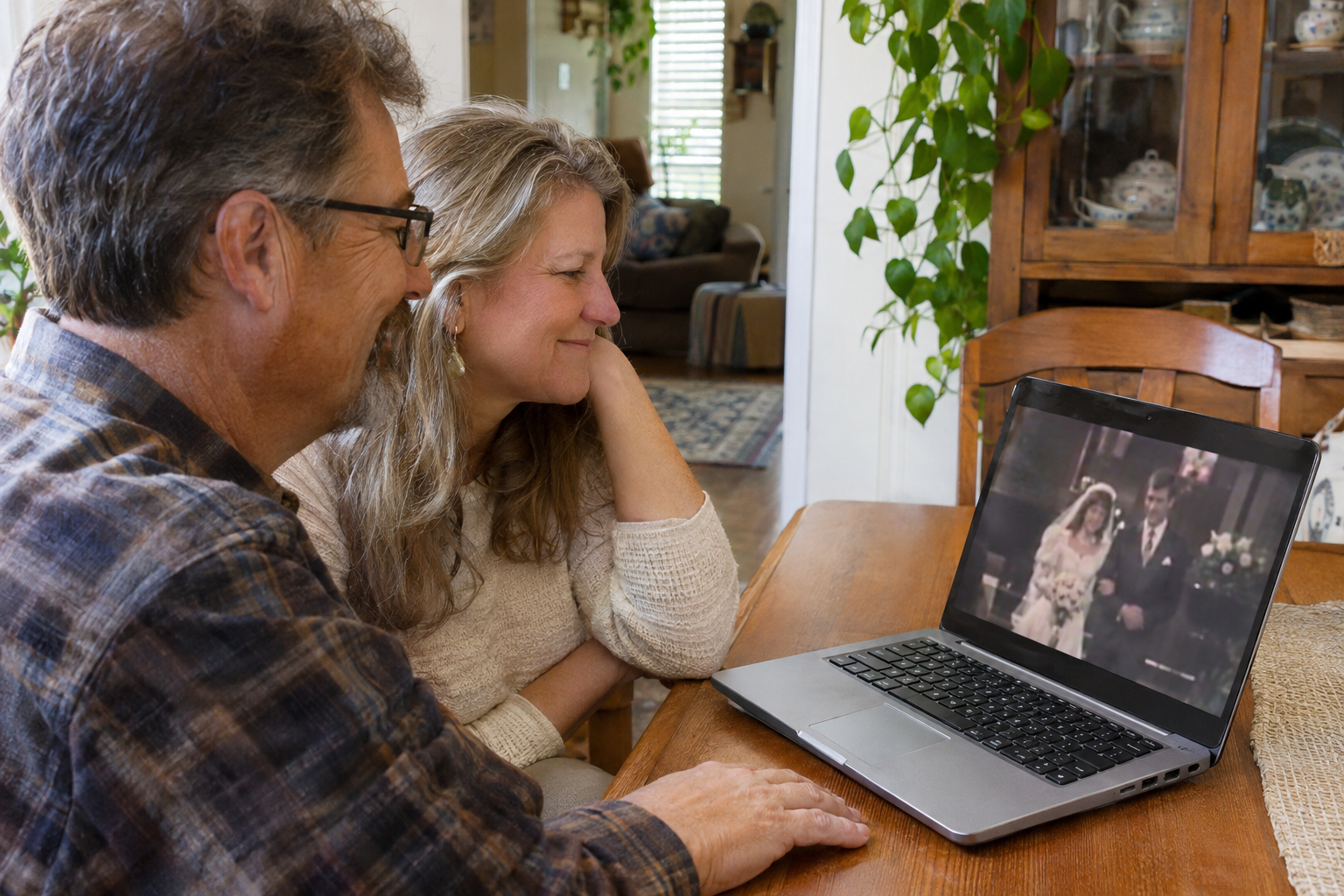
Illustrative image.
Is it the picture, the length, or the tape?
If the video plays but people are hard to make out, look into picture restoration. That's the part an online enhancement tool may help with.
If it looks okay but runs for hours, you may simply want an editor. They can help you make a shorter version for dinner or a party, without expecting everyone to watch the entire reception.
Still on a cassette, with nothing to play it on? Start with a tape-transfer service that handles that format. You'll need a digital video file before you can upload it to an online tool. Our guide to digitization and restoration explains what each step does.
You might want more than one of these things. Just ask for them separately when you're getting a quote, so you know what you're paying someone to do.
Have a look beyond the opening titles
Once you've got a file you can play, skip around a little. Look at the ceremony, the guests, and some of the dancing. Which part would you most like to look better?
It might be the two of you walking towards the camera, or a guest you haven't seen in years. Start there. You don't have to improve every minute just because it's all in one recording.
If a service offers a sample, let it play rather than judging a single frame. Watch what happens when someone smiles or turns their head. A picture can look sharper and still feel a little off when you know the person well.
Also check which part the sample shows. An outdoor arrival won't tell you much about a dark dance floor later in the film. You can enjoy an improvement without assuming the whole wedding will turn out the same way.
Who can help with an old wedding video?
TensorPix is one online option with a page specifically for old wedding videos. If you already have a file and want to try processing it online, have a look at what it offers and what your footage would cost.
If you'd rather have someone look through the film and work on it for you, Cherish Me lists wedding-film restoration and editing separately. Ask whether the quote is for improving your existing film, making a new short edit, or both.
For tapes, check that the provider accepts the kind you have before arranging to send anything. An upload button on a website doesn't mean the company takes cassettes through the post.
Do you need to restore the whole wedding video?
Say you’ve got two hours of your parents’ wedding, but what you really want is to see their first dance and hear your grandfather’s toast. Keep the full recording. Then decide what you’d actually like to watch again.
- Restore the whole recording if you want to sit down together and watch the day from start to finish. Ask for a quote for the full running time, and check whether you can try a bit of the dim reception before paying.
- Restore just the parts you care about if you mostly want to see a few moments more clearly. Write down where each one starts and ends. Ask what those sections would cost, including any minimum charge.
- Make a short version to share if the picture is already good enough and you mainly want something you can send to family. Ask for an editing quote. If a scene also needs picture cleanup, ask for that as a separate line item.
If you’re comparing two quotes, make sure they cover the same minutes and the same work. Our guide to video restoration costs explains the different ways services charge.
What about VidFixr?
VidFixr is an online service for improving the picture in old video files through restoration and upscaling. It also offers estimated color for black-and-white footage, either separately or with restoration. If your wedding video is already in color, you don't need black-and-white colorization just because the recording is old.
It works on the picture in a playable file; it doesn't transfer tapes or make a wedding highlight edit. On the upload page, select the optional free, watermarked Preview before uploading if you'd like to see a short sample first. You'll need to choose it yourself. The default is paid Full processing, and you can check the quote before buying.
You can compare that sample with your recording and see whether you like the change. It won't establish every missing detail, but it can help you decide about the section it shows.
Then sit down and watch it
If it's your parents' wedding, watch with them if you can. They'll probably have plenty to say about who was there and what was happening just out of the picture. Their memories can also help you spot a change that doesn't look right.
Keep the original alongside any version you like. You might choose the improved picture for your next anniversary, or find that you're happy watching it as it is.
Either way, leave a little time for the reception. Someone may still want to explain that dancing.
- wedding video restoration
- restore old wedding video
- restore my wedding video