Can You Make Your Old Graduation Video Clearer?
The ceremony goes on for ages. Your own walk across the stage lasts a few seconds.
Somewhere in the recording, there's a younger you trying to walk normally in a gown, shake a hand and work out where the camera is. Then you're gone, and the next name is called.
Years later, that's the bit you want to watch again. If only the person holding the camera had been a few rows closer.
Restoration may help an old graduation video look less soft or noisy. But a distant recording has limits: making the picture clearer isn't the same as getting a close-up that nobody filmed. It helps to decide what you want to see before choosing what to do with it.
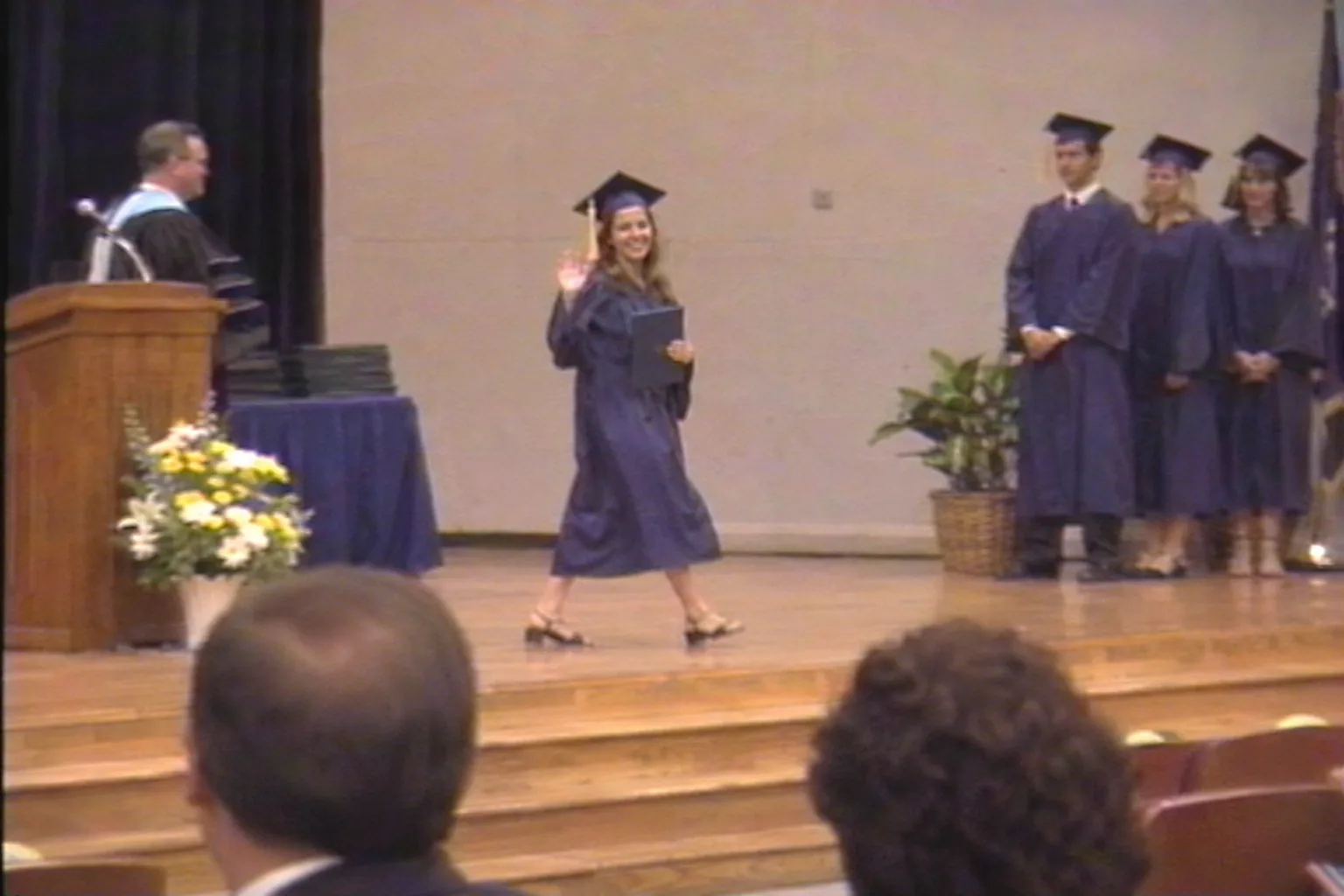
Illustrative image.
The stage matters, even when you're tiny in the frame
It's tempting to zoom straight in on yourself. Finally, there you are. Unfortunately, filling the screen with that little figure can make the blur much more obvious.
Try watching the whole scene first. The line of students, the slightly awkward handshake, the friend waiting at the bottom of the steps: those details tell you where you were and what was happening. A tight crop can lose them.
Restoration may make the picture easier to follow, but it can't be relied on to reveal a face or the writing on a certificate that was never clearly visible. You don't need every letter to be readable for the moment to mean something.
Don't stop when you leave the stage
Let the video run a little longer. There might be a wave to somebody in the seats, a relieved laugh, or a friend pulling you into the wrong group for a photograph.
If the recording continues outside, you may have a much closer view of everyone: gowns unzipped, caps being passed around, parents trying to fit one more person into the shot. That's a different part of graduation, and it can be just as good to revisit.
You might open the file to see yourself receive a diploma and end up replaying a conversation you had forgotten. Before deciding that the whole video is too blurry to bother with, watch what happens around the part you remember.
A better picture should still look like the people you know
For a distant stage shot, an improvement might simply make the movement easier to watch. A closer clip afterwards gives you more of an expression to look at. Judge each on what the camera actually caught, rather than expecting the whole ceremony to become a modern close-up.
When you compare a processed version, let it play. Does the smile stay familiar as the person turns? Does the hand reaching for the diploma look natural? A crisp paused frame is less useful if the movement looks odd.
AI can change faces and small details. Our guide to faces in restored video shows why that deserves a look. Keep the version you already have alongside any new one, so you can choose what feels right.
How to try restoring your graduation video
VidFixr is an online service that restores and upscales existing video files to improve the picture. It's for a recording you can already play; it doesn't recover a deleted video, accept physical tapes or edit a graduation highlight reel for you.
If you'd like to see a short sample first, select the optional free, watermarked Preview before uploading. Full processing is selected by default, with a quote to review before you pay. The Preview covers a short section, not the whole ceremony.
Start with the part you'd most like to revisit. It might be your walk across the stage. It might be the moment afterwards when you finally found your family in the crowd.
Try your graduation video with VidFixr, and see whether the result makes that moment easier to enjoy.
- improve old graduation video quality
- restore graduation video
- make an old graduation video clearer