How to Make Old Home DVD Videos Clearer
Your mom asks you to play the backyard video again. You can hear yourself yell “Watch this!” before you run through the sprinkler, but when you turn toward the camera, your face is a blur. You already copied the family DVD to a video file. Can that file look any clearer?
Sometimes. Play the same few seconds from the disc and from the file you made. If the disc looks better, make a better copy first. If both look equally soft, try restoring a short excerpt and see if the difference matters to you.
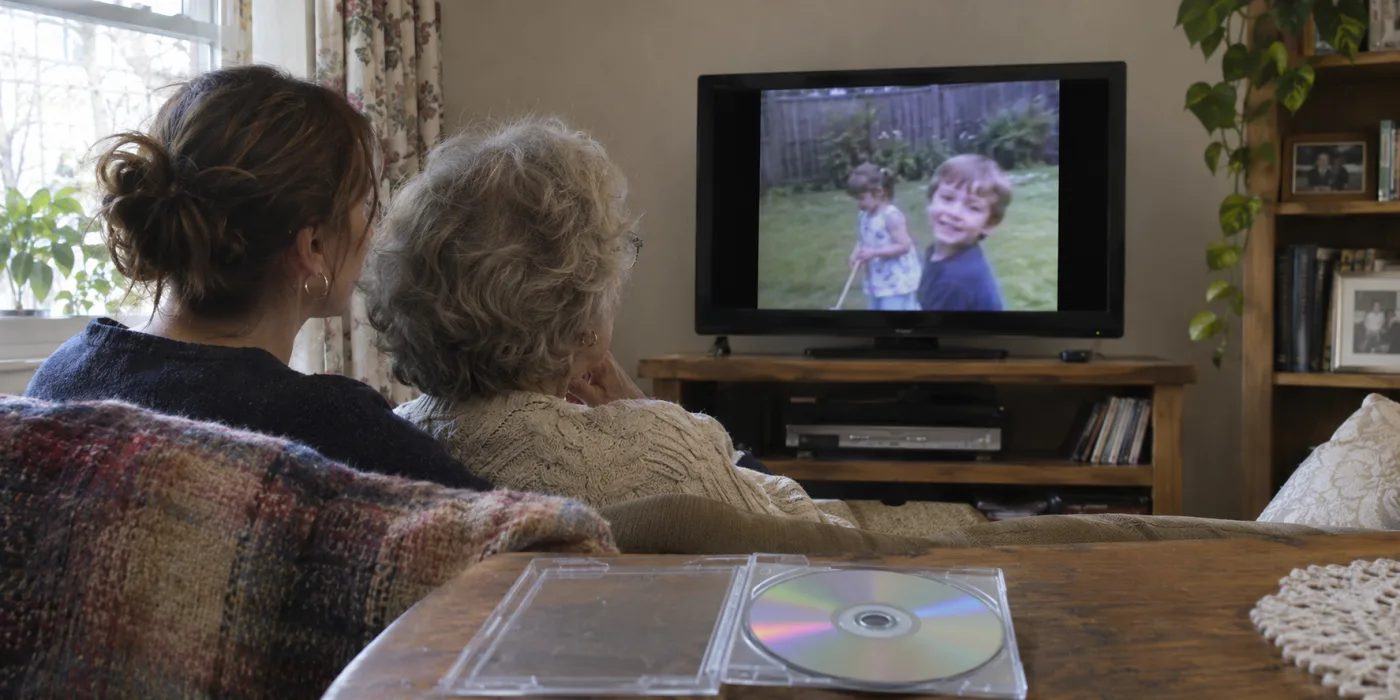
Play the same moment from the disc and the file
If you still have a DVD player, play the disc through it. Then play the copied file on the same TV if you can. Keep the picture size roughly the same for both. A zoomed-in picture makes this harder to judge. Watching old home videos on a big TV
Try a moment with a face you know and something in the background, like the fence behind the sprinkler. Pay attention to the difference while the video plays. Here’s what to do with what you see.
| What you see | What to try |
|---|---|
| The DVD looks clearer, but the copied file is blocky or smeared. | Make a fresh copy with less compression, or ask the person who copied it for a higher-quality file. Test the same scene again. |
| Both versions look about as soft. | Use the file you already have and try restoring a short excerpt. |
| The DVD freezes or skips, and part of the scene is missing. | Ask a disc recovery or digitizing service about reading the disc. Picture restoration can work on the footage you can play. |
If you can’t play the disc anymore, start with the file and try the short preview below.
If the video is still only on the disc, HandBrake can make an MP4 from a readable, unprotected home DVD. You’ll need a computer with a DVD drive. If you already have a playable copy, start with the comparison above.
Try one scene before paying for the whole video
On VidFixr’s upload page, choose Restore & upscale and turn on the optional free watermarked Preview before uploading. Use a short excerpt with the moment you care about near the beginning. Watch the result next to the file you already have, ideally on the screen your family will use.
Can you make out your face when you turn around? Does the movement still look natural? If the fence looks sharper but your face looks strange, keep the copy you already like. Save your original file alongside any version you decide to keep.
- make home DVD videos clearer
- restore old family DVD videos
- can you improve the quality of an old DVD video