Why Do Old Home Videos Look So Blurry on a Big TV?
· Updated
Everyone's finally sitting down. Someone points at the old sofa on screen. “That's you next to Grandma!” Then somebody leans forward and asks, “Was it always this blurry?”
On your laptop, the family video looked quite watchable. On the much bigger television, it's harder to make out the people you wanted everyone to see.
A larger screen makes the recording's softness and blocky edges easier to notice. How you play it can make a difference too. Before paying to improve the video, it's worth separating those two things.
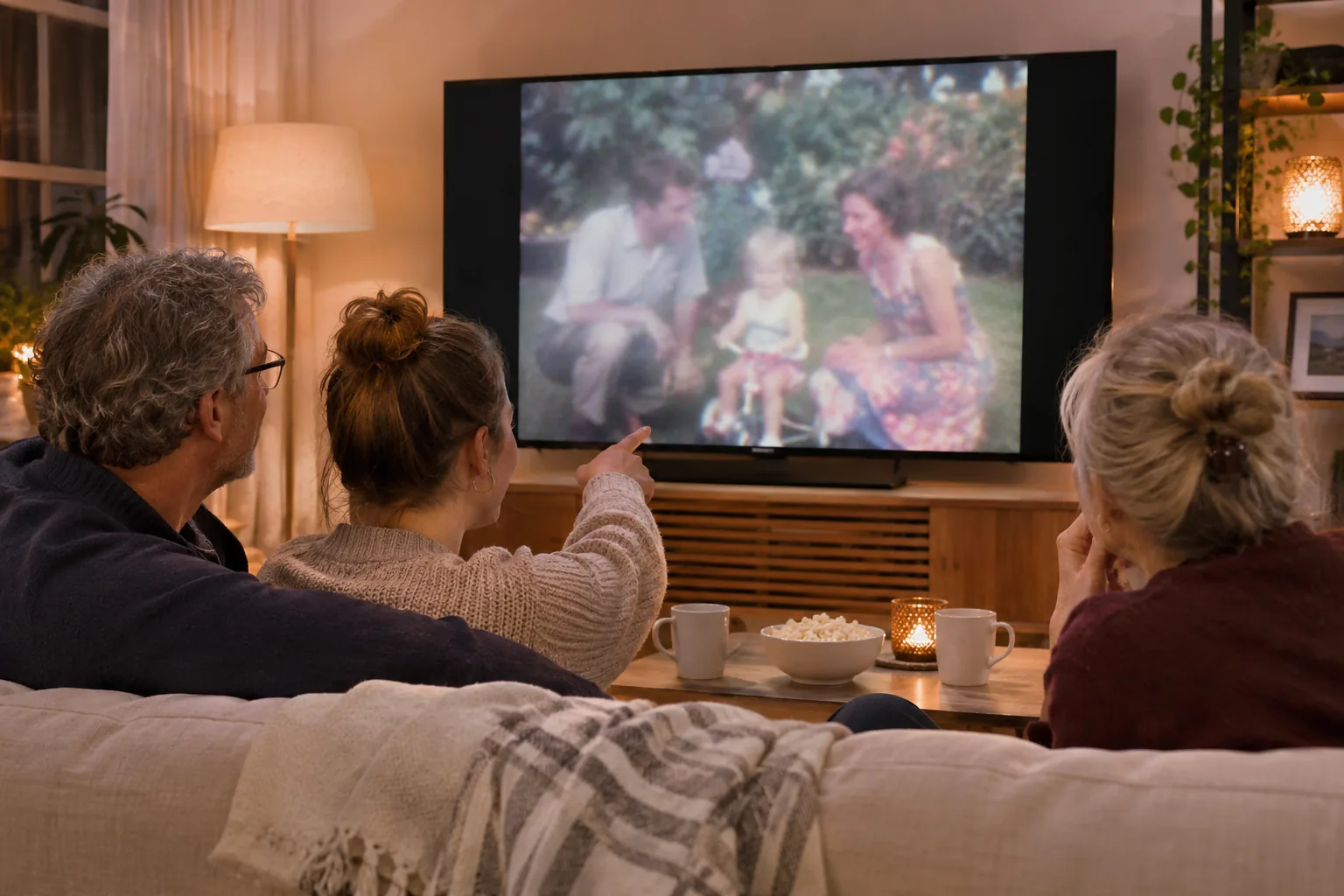
Illustrative image.
How can you make old home videos look better on TV?
Start with the same short scene on your laptop and television. Pick a bit with people moving and talking. If it looks soft on both, the recording itself may need work. If it changes noticeably on the TV, check how you're playing it first.
If you're casting or using a streaming app, look for a picture-quality option. You can also try another playback method your TV supports. Check the instructions for your TV or player; the TCL picture-quality guide explains how the video, its delivery and the television's own processing affect what you see.
There's no need to work through every menu. You're simply checking whether a different way of playing the same video makes it easier to watch.
Has everyone become a little wider?
Old home videos can have a squarer picture than your television. If faces look stretched, or the top of someone's head has disappeared, the TV or player may be stretching or zooming the image to fill the screen.
Choose a setting that keeps the picture's proportions. That may leave space at the sides, which is fine. Seeing Grandma the right shape matters more than filling every inch of the display.
What if the people are still hard to see?
You may be seeing the limits of the old recording more clearly. Making the picture bigger also makes the soft parts bigger. A new TV doesn't mean the file has suddenly lost quality.
This is where restoring the video itself might help. Think about the moment you want to see: your dad turning towards the camera, the children running through the room, or everyone trying to squeeze onto that sofa.
If the recording is blurry wherever you play it, the guide to improving a blurry video explains what may be possible. For watching together, judge any improvement from your normal seat, with the video playing.
If the camera was at the back of the room, this guide to making an old graduation video clearer explains what to look for when the people on stage are small in the frame.
You don't have to choose 4K just because you own a 4K TV. A larger output label alone won't tell you whether a familiar face looks better.
Trying an online restoration service
VidFixr is an online service that restores and upscales existing video files to improve the picture. You upload a recording that already plays and download the processed version to watch on your devices.
To try a short sample first, select the optional free, watermarked Preview before uploading. Otherwise, Full processing is selected by default, with a quote to review before you pay. The Preview covers a short section rather than the whole video.
Compare that sample on the television you'll actually use. Watch familiar faces and people moving: AI can change expressions and fine details, so keep the original alongside it. The question is whether the result makes your family video more enjoyable to watch.
Get everyone back on the sofa
Once you've chosen a version and a way to play it, sit back and let the recording run. See whether you're still concentrating on the picture quality—or have started watching who's on screen.
Someone will remember the room. Someone else will insist they never wore that sweater. And sooner or later, someone will ask you to play that bit again.
- why do old home videos look blurry on a big TV
- make old home videos look better on TV
- improve old family videos for TV