Can You Improve a Blurry Video? Here's How to Decide
· Updated
Yes, you may be able to make a blurry video look better. It depends on the footage, though. A small, grainy picture and a video that's completely out of focus aren't quite the same thing, even if both make you squint at the screen.
Maybe you've opened an old birthday recording and can barely make out who's behind the cake. Or everyone looks fine until your child runs across the room. Before you spend anything, it's worth working out which part you want help with. You don't need the technical name for it.
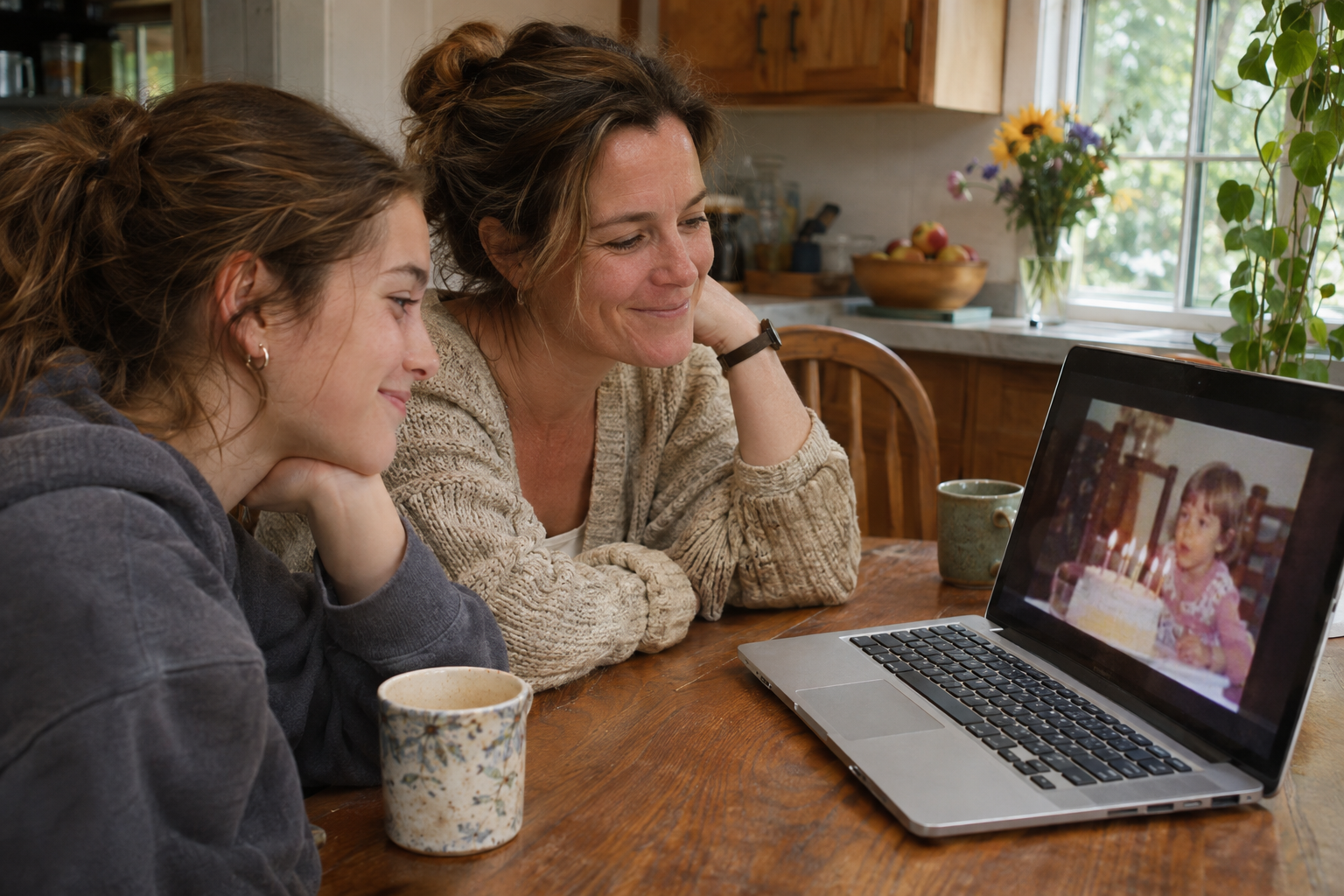
Illustrative image.
Does any of this look familiar?
Play a little of the video, including a moment when someone moves. Here's where you might start:
| What you're seeing | What to try first |
|---|---|
| It looks okay small, but gets blocky or grainy when you make it bigger. | Try a short enhancement sample to see whether it's more pleasant to watch. Look at the people as well as the background—a bigger picture alone doesn't tell you much. |
| Someone looks clearer standing still, then smears when they move. | Include that movement when judging any result. A nice paused frame won't answer this one. You can also ask a restoration service whether it's worth attempting. |
| The whole scene is badly out of focus, even when nothing moves. | Ask for an opinion before spending much. A sharper-looking face isn't proof that its missing details are right. If you need to recognize a particular expression, be especially careful about what you're buying. |
If the file won't play at all, you'll need help with that first. The suggestions here are for a video you can already watch.
Online tool, software, or someone to help?
For a few clips, an online tool can be a straightforward place to start. You upload a file rather than installing software and learning your way around it. VidFixr is one option; there's more about how it works below. Check what a sample includes and what the full video would cost before paying.
If you have lots of videos and enjoy trying things yourself, desktop software may suit you better. You'll have more of the work on your own desk, including choosing settings and comparing results. Allow time for that. Buying software doesn't mean a difficult clip will suddenly become easy to fix.
For a recording you're unsure about, ask someone who restores videos to take a look. This can be useful if one part looks fine and another is barely watchable, or if there's one moment you're particularly worried about. Ask what they think can improve, what probably won't, and what they'd charge. You can hear their opinion without committing to the whole job.
Our online restoration guide has more on those options if you're still choosing.
Is the result actually better to watch?
Say you wanted to see your mother's smile more clearly. If the wall behind her looks lovely but her expression still seems wrong, that hasn't really helped with what you wanted.
Watch the original and the result at the same size, playing normally. A small improvement might be all you need. A dramatic one might be less appealing once you notice that a familiar face looks different. There are real examples in our article about face changes.
If you can hardly see a useful difference, there's no reason to pay for more of the same. And if a sample only shows an empty room, you still don't know what it'll do with the people who appear later.
If you'd like to try VidFixr
VidFixr is an online service for improving the picture in old video files through restoration and upscaling. It can also add estimated color to black-and-white footage, either on its own or with restoration. You don't need colorization for an already-color clip.
On the upload page, choose the optional free, watermarked Preview before uploading if you want to see a short sample first. You'll need to select it yourself: the default is paid Full processing. Check the quote before you buy. A sample shows just a short section, and the result will depend on your recording.
Keep your original, whatever you choose. And start with one clip rather than the entire birthday folder. You can always come back for the others if you like how it looks.
- improve blurry video quality
- make a blurry video clearer
- restore old home videos