Can You Make Your Childhood Videos Clearer?
There you are, waving at the camera with both hands. Or refusing to wave because someone has asked you three times already.
You might not remember the day. Then you notice the chair behind you, or the way your dad is laughing, and suddenly the room feels familiar.
It's a lovely video to have. You just wish it were a little easier to see.
You can try to restore your childhood videos to make the people and surroundings easier to see. The result depends on how much is visible in the recording, but you don't need it to look newly filmed to enjoy seeing yourself again.
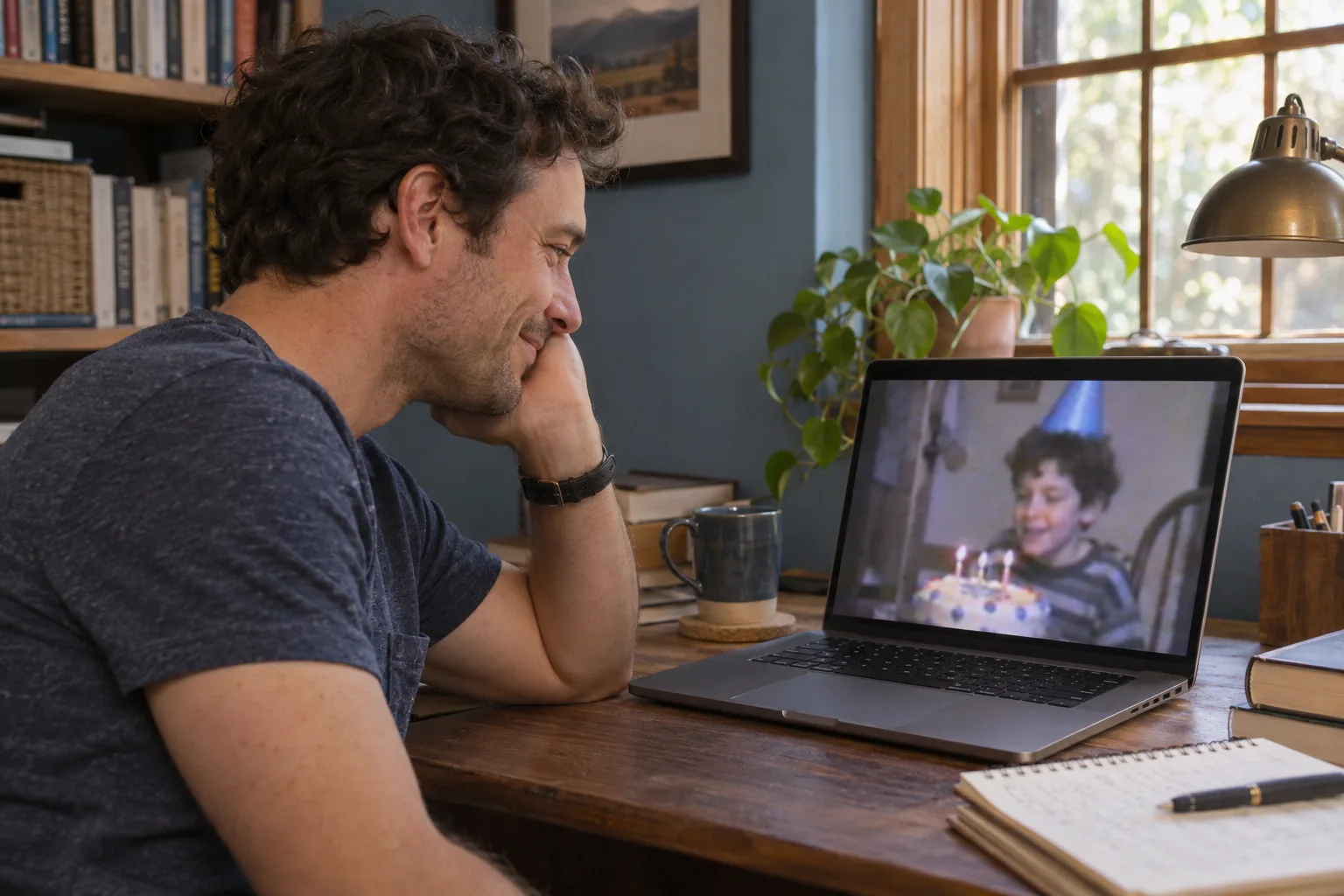
Illustrative image.
Which bit would you love to see again?
It could be the school performance where you were supposed to stand still. Your first bicycle. A birthday with a cake you had completely forgotten.
Or perhaps it's an ordinary afternoon at home. You're explaining a game to the camera while someone keeps walking through the shot. Nothing much happens, but you're fascinated by the small person who used to be you.
Choose one of those recordings to start with. A short clip you keep replaying is a more useful first choice than an entire afternoon you haven't watched yet.
What keeps drawing you back to it? Your expression? The room? The other children around you? That's the part you'll want to pay attention to when you compare a result.
A clearer picture can still look like an old video
The recording can still have its old home-movie look. A more useful improvement might be seeing the children beside you more clearly, or following what happens when everyone runs past the camera.
Watch it at normal speed. Can you follow the action more easily? Does the extra definition help you enjoy the moment, even after you've stopped looking for differences?
If the picture is so blurry that you can barely recognize anyone, the guide to improving a blurry video explains what may still be possible.
How do you try restoring it?
VidFixr is an online service that restores and upscales existing video files to improve the picture. Upload a video that already plays on your computer; there's no editing software to install. Physical tapes need to be digitized before they can be used here.
To see a short sample first, select the free, watermarked Preview before uploading. It's optional: Full processing is selected by default, with a quote to review before you pay. A Preview covers a short section, not the whole recording.
That lets you make a decision about one video before spending money on more of the collection.
Does the person on screen still feel like you?
AI can change a face or expression while making it sharper. Let the result play through and compare it with the original. Watch the grin, the head turn, the moment you lean towards the camera. Does it still look like you? Keep the original alongside the new version so you have both.
You may have opened a video because the filename said “birthday.” But the bit you keep replaying might come afterwards: you're talking very seriously about a game you've invented, while the adults try not to laugh. That's the sort of detail a photograph wouldn't have kept.
When you sit down to watch the recording, let it run past the part you remembered. Stay for the awkward exit from the school stage, or the conversation after the birthday candles go out.
You may have photographs of the big moments. Seeing how you moved, fidgeted and tried to explain yourself is a different kind of reminder of who you were.
- restore childhood videos
- restore old videos of myself
- make childhood videos clearer